
Testing out Gaussian Splatting workflow. What are you talking about, you ask… well, Gaussian Splats are the latest fad for capturing and rendering in real-time, intricate, organic-looking 3D scenes and objects. Basically, a point cloud with each point being a little blob of texture, add millions of them together, and you can recreate realistic-looking scenes in all their 3D detail, which you can spin around and view from any angle in a browser. Read more here if you’re interested https://en.wikipedia.org/wiki/Gaussian_splatting
I decided to test it out on some flowers that Julie had for her 50th birthday.
Using a great tutorial https://www.youtube.com/watch?v=aX8MTlr9Ypc I took a few dozen photos of the flowers, trying to keep them sharp with plenty of overlap between the photos.
I used Reality Scan to align the photos and export a colmap.
Next, I used Lichtfeld Studio to import the colmap file and convert into splats. Then export spats as .ply file.
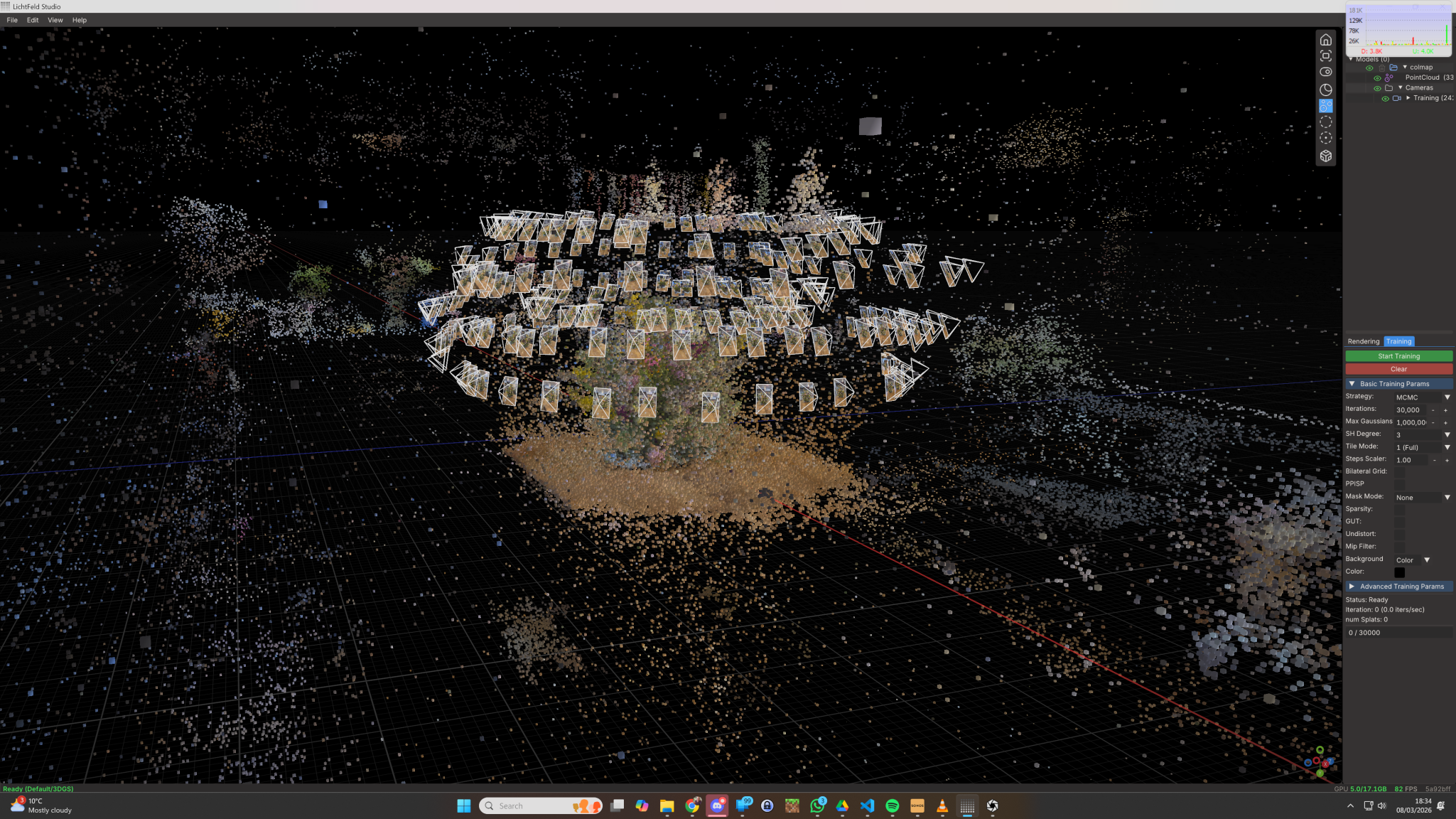
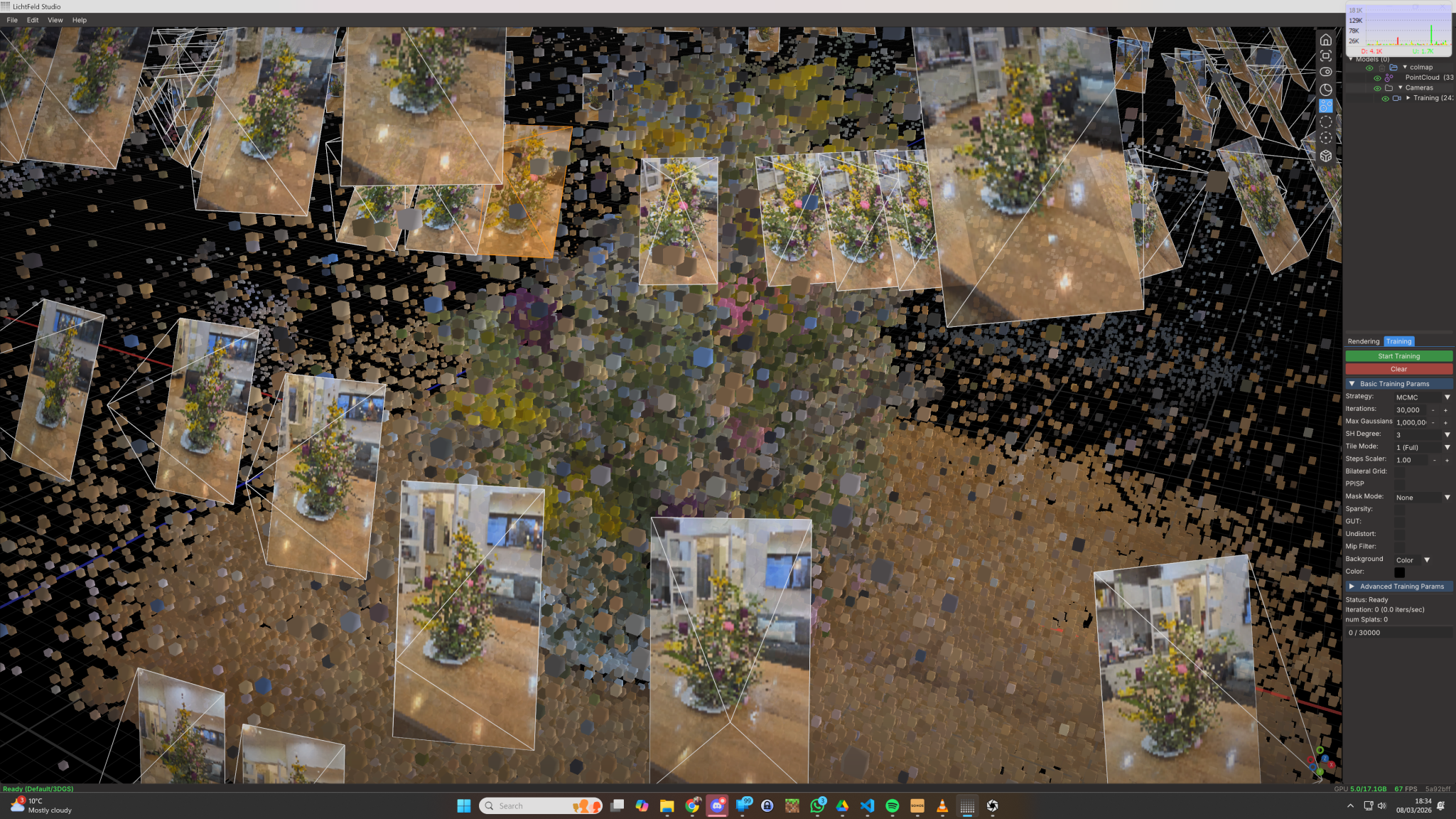
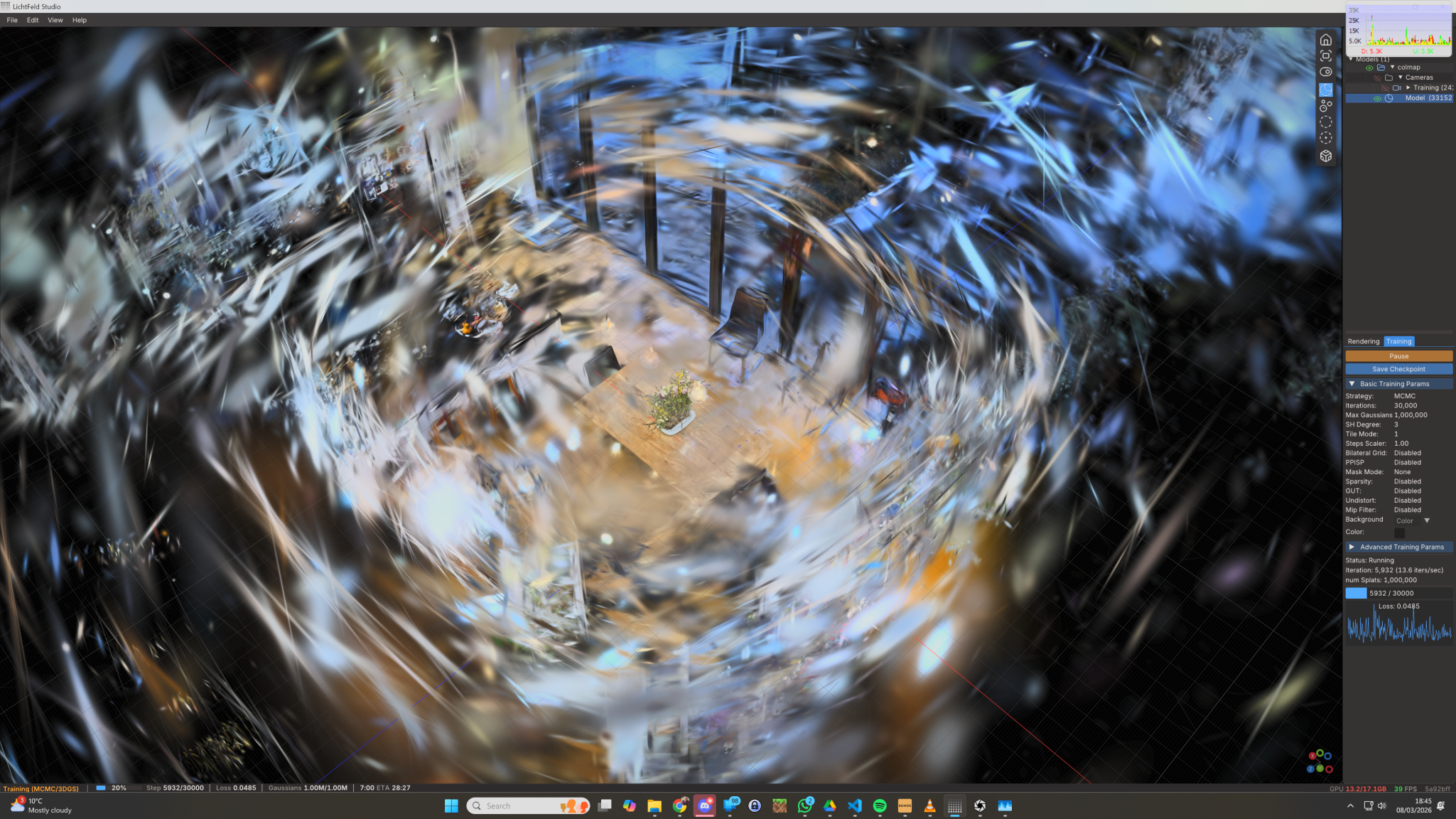
Next import the .ply into Supersplat an online tool to view, crop and clean up the splats.
The flowers below look like a video, but click and drag or zoom, and you realise that they are fully interactive. Splats capture a level of photo realism that’s hard to achieve with traditional polygon rendering. The results look great, looking forward to trying out the technique more.